How to Respond to a New York State Tax Notice Online

Gary Gal
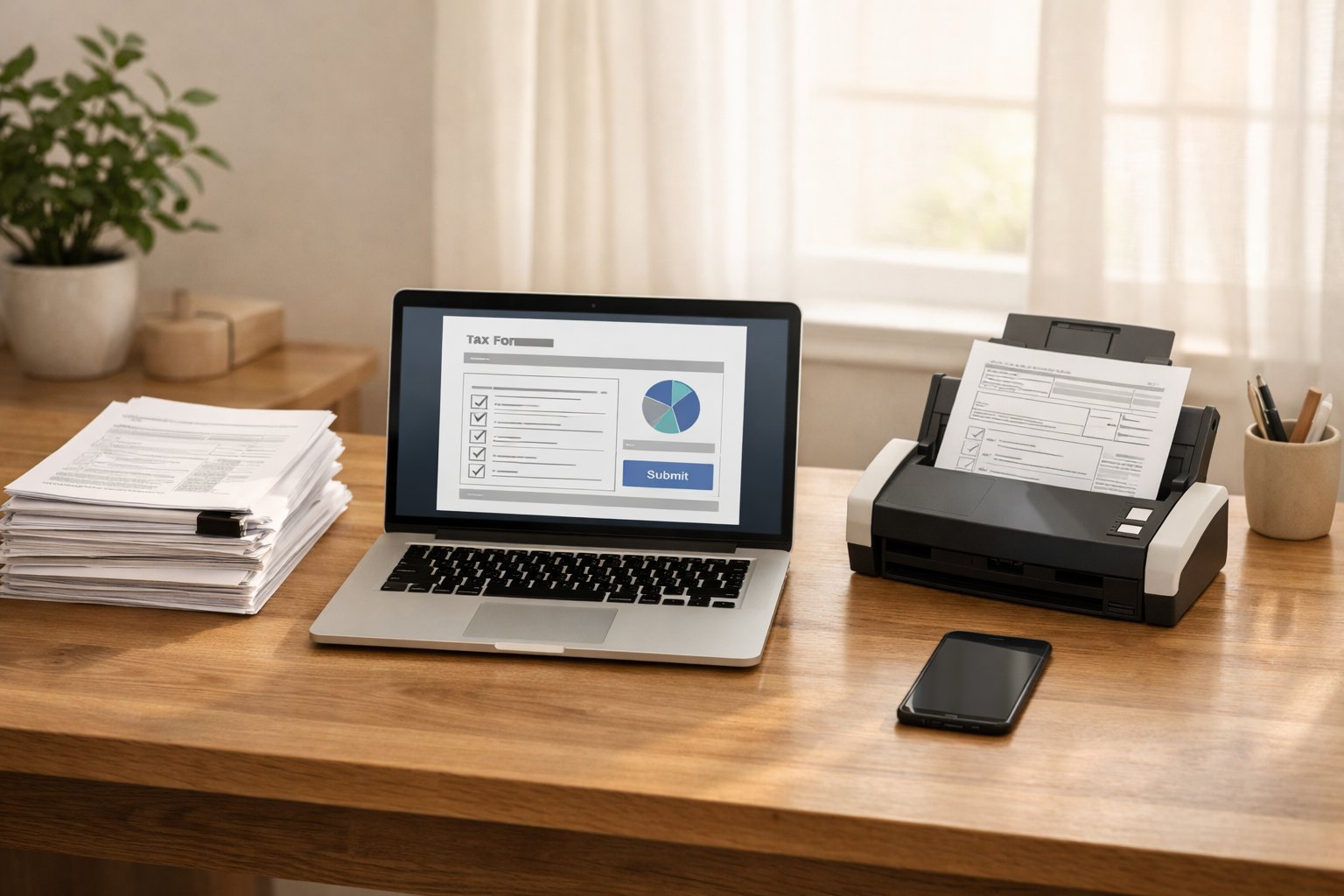
Getting a tax notice from New York State can feel like opening a letter from a secret agent—you know it’s important, but you’re not sure what it really means. The good news is that most notices are routine, and responding online is actually simpler than it sounds. Instead of mailing forms back and forth or waiting on hold for hours, you can handle your notice quickly, securely, and with a clear record of everything you submit.
In this guide, we’ll walk you step by step through responding to a New York State tax notice online. By the end, you’ll know how to:
Understand the type of notice you received.
Gather and digitize your documents correctly.
Use the NYS Online Services portal to respond.
Submit payments or request an installment plan.
Dispute or appeal a notice if needed.
Avoid common mistakes that delay processing.
Let’s get started.
Why You Shouldn’t Ignore a Tax Notice

Ignoring a tax notice is never a good idea. Missing a deadline can lead to penalties, interest, or even more serious enforcement actions. Most notices are not emergencies—they’re often routine checks, reminders, or requests for information—but the clock starts ticking the day the notice is issued.
Common notices small businesses or independent professionals might receive include:
Request for Information (RFI): Asking for supporting documents, like receipts or W-2s.
Audit or review notices: Indicating the Department of Taxation and Finance is reviewing your return.
Bills or assessments: Showing what you owe in taxes.
Reminder-to-file letters: A gentle nudge to submit a return.
Understanding the type of notice you received is the first step to responding correctly.
Ignoring a notice can lead to penalties, interest, and stronger enforcement actions over time. For a clear picture of how consequences escalate if a New York State tax notice goes unanswered, see our step-by-step timeline of what happens if you ignore a NY tax notice.
Understanding Your Notice

Before you do anything online, read your notice carefully. Check for:
Notice number and form number: Usually at the top or bottom-left corner.
Deadline: Most notices give 30–90 days to respond. Missing this can cost money.
Type of action required: Are you paying, submitting documents, or disputing something?
Tip: Some notices are just reminders to file a tax return, like Form AU-222. These can often be handled differently from formal bills or audits.
Another thing, your notice will explain why New York State contacted you, what action is required, and the date by which you must respond. That response deadline is critical, since missing it can limit your options or lead to penalties. If you want a clearer breakdown of how much time different New York State tax notices give you, see our guide on how long you have to respond to a New York State tax notice.
Preparing to Respond Online

Now that you know what the notice is asking for, gather all the necessary documents.
Step 1: Collect Your Documentation
Tax returns, W-2s, 1099s.
Receipts or invoices supporting deductions.
Proof of payments, such as child care, tuition, or business expenses.
Any other documents listed in the notice or related checklists on the NYS Tax Department website.
Step 2: Digitize Your Documents
Use a scanner or take clear photos with your phone.
Accepted formats: PDF, JPEG, DOCX, TIF, BMP, GIF, or TXT.
Maximum combined size per submission: 50 MB.
Tip: Name files clearly (e.g.,
2025_W2_ABCCompany.pdf).
Having everything ready before you log in saves time and ensures you don’t miss anything.
Setting Up Your NYS Online Services Account

To respond online, you’ll need a NYS Online Services account.
Creating an Account
Go to tax.ny.gov/online.
Choose an Individual, Business, or Tax Professional account.
Provide your personal or business information, like SSN, EIN, and contact details.
Verify your account via email.
Tip for Tax Professionals: You must have client authorization to respond on their behalf. Keep the 5-digit authorization PIN handy.
Navigating the “Respond to Department Notice” Portal

Once your account is ready:
Log in to Online Services.
Click the ≡ Services menu (top-left corner).
Select Respond to department notice.
On the Notices page, find your notice in the Quick response section. If it’s not listed, use the form number from your notice to locate it.
Follow the prompts to provide your explanation and upload documents.
The system is designed to guide you based on the type of notice. For example, an RFI may ask you to upload receipts, while a bill may ask you to submit payment details.
Submitting Your Response

Before hitting submit:
Double-check all documents are attached and legible.
Complete all required fields in the online form.
Include any additional explanations requested.
After Submission
You will receive instant confirmation.
Save a screenshot or PDF of the confirmation for your records.
Track the status of your notice in your Online Services account.
Tip: Avoid submitting during scheduled maintenance windows: Mon-Sat 4–6 a.m. ET or Sun 9–10 p.m. ET.
Payment Options and Installments

If your notice includes a bill, Online Services offers several ways to pay:
ACH/bank debit: Free and secure.
Credit/debit card: Accepted with a small convenience fee.
Quick Pay: No account needed; pay with your notice and PIN.
Installment Payment Agreement (IPA)
Available for balances under $20,000 with up to 36 monthly payments.
You can request an IPA directly in Online Services.
Requires bank account details if you choose direct debit.
Tip: Planning ahead can help manage cash flow and avoid penalties. Competitors often miss advising small businesses about installment strategies.
Disputing or Appealing a Notice

Not all notices require payment. Some may be incorrect or need clarification.
When to Respond Online
Explain discrepancies and upload supporting documentation.
For simple questions or clarifications, Online Services is usually enough.
Formal Appeals
Notices like deficiency letters may require filing Form TA-100 with the Division of Tax Appeals.
You might also request a conciliation conference.
Deadlines vary (30–90 days), so check your notice carefully.
Pro tip: Keep organized records of all communications and submissions. This protects you if further review is required.
Exceptions and Special Notices

Some notices have unique handling rules:
Reminder to File (AU-222): You may submit your response without an Online Services account. Use the unique PIN on your letter.
STAR Income Verification: Can be handled with the STAR Income Worksheet, no account needed.
Always read the notice instructions carefully. Competitors often skip these exceptions, leaving readers confused.
Best Practices and Pro Tips

Document clarity: Scan or photograph in good light; ensure text is readable.
File naming: Use descriptive names for easy tracking.
Security: Do not email sensitive information; use the portal’s secure upload.
Record keeping: Keep copies of everything submitted in case of an audit.
Deadlines: Set reminders for all due dates. Missing a deadline is costly.
These small steps can save time, stress, and money.
Quick Checklist for Responding Online

Read your notice carefully and note deadlines.
Gather and digitize all required documents.
Create or log in to your NYS Online Services account.
Navigate to Services → Respond to department notice.
Select your notice and follow the on-screen prompts.
Upload all supporting documents (under 50 MB total).
Pay any bills or request an installment plan if needed.
Save confirmation of your submission.
Track your notice status and follow up if required.
Conclusion

Responding to a New York State tax notice online doesn’t have to be stressful. By understanding the notice, preparing your documents, and using the Online Services portal, you can quickly submit a response, make payments, or dispute errors.
Following best practices—clear documents, correct file formats, timely submissions—helps protect your business and avoid unnecessary penalties. With this guide, you’re equipped to handle notices efficiently, stay compliant, and keep your focus on growing your business rather than worrying about paperwork.
If you want a deeper understanding of why these notices are sent and what they can lead to, our guide on what happens when you receive a New York State tax notice explains what exactly you need to know.
Frequently Asked Questions
How long do I have to respond to a New York State tax notice online?
Most notices give you 30 to 90 days to respond. The exact deadline is written on the notice, so always check it carefully.
Can I respond to a New York State tax notice without an Online Services account?
Usually no. Most notices require you to respond through the NYS Online Services account, but some exceptions exist, like Reminder to File or STAR letters.
What documents do I need to upload when responding online?
You need the documents listed in your notice, such as tax returns, receipts, W-2s, 1099s, or proof of deductions. Upload clear digital copies only.
What happens after I submit my response online?
You will receive instant confirmation that your response was received. You can track the notice status in your Online Services account.
What should I do if I disagree with the tax notice?
You can explain and upload documents online, but some notices require a formal appeal, such as filing Form TA-100, before the deadline listed on the notice.
Is there help available if I can’t resolve my notice through the portal?
If you’ve tried responding online and still have issues, you can contact the NYS Office of the Taxpayer Rights Advocate for assistance. They offer support when other administrative options are exhausted.
Can I appeal a decision made after responding to a tax notice?
Yes. After receiving a determination, you can file an appeal following the instructions in the notice. Appeals must follow NYS guidelines and deadlines.